
IPTV Support & Help Center
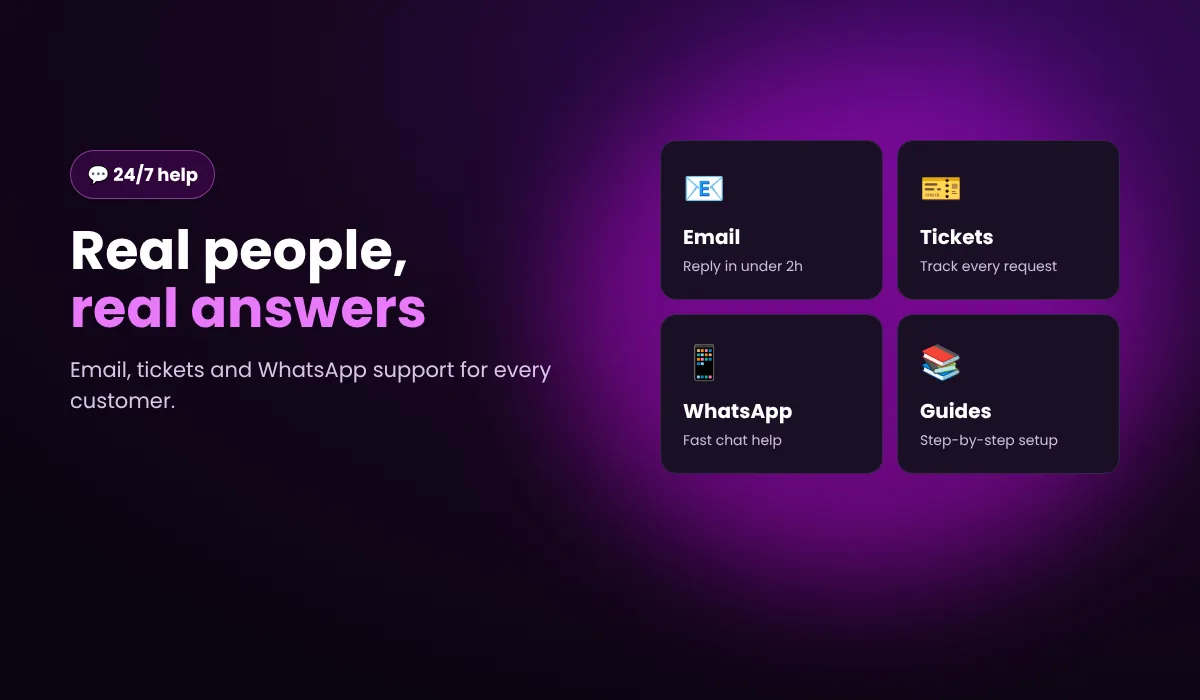
Setup help, troubleshooting and account questions, answered by real people. Choose the fastest way to reach us.
- Average reply under 2 hours
- Email, tickets & WhatsApp
- Guides for every device
Account & billing help
Need to renew, add a device or change plan? Log in to your account dashboard to renew lines, rename devices or add a new device in a few clicks. For refunds see our 7-day money-back policy.
How we support you
Good IPTV is not only about channels. It is about getting help quickly when something does not work. Here is how support at 4K Flix IPTV works.
Before you buy
Not sure if IPTV works on your TV? Ask us. We can recommend the best device and app, and you can test everything with the free 24-hour trial.
Setting up
Our setup guides cover Firestick, Smart TVs, Android boxes, Apple devices, MAG and PC. If you get stuck, send us your device and app name and we walk you through it.
While you watch
If a channel stops working or you notice buffering, tell us which channel and device. Most issues are fixed with the steps in our troubleshooting guide.
Your account
Your dashboard lets you see your login details, renew, add devices and rename lines. On 12 and 24-month plans you also get a personal account manager on WhatsApp who can renew or change your plan for you.
Support: frequently asked questions
How do I contact 4K Flix IPTV support?
Email [email protected], message us on WhatsApp at +44 7723 275280, or open a ticket from your dashboard.
How fast does support reply?
Most messages are answered in under 2 hours, 24/7.
What is the WhatsApp account manager?
Customers on 12 and 24-month plans get a personal account manager on WhatsApp for setup, renewals and any questions.
My channels are buffering. What should I do?
Restart your router and device, use a wired or 5 GHz connection, and update your IPTV app. See the troubleshooting guide.
Can I get a refund?
Yes, within 7 days under our refund policy.
Still need help?
Message us any time, or test everything yourself with a free 24-hour trial.